Make small edits via GitHub#
For small edits to the documentation, use the GitHub web interface.
On every page in documentation, on the right-hand side, there is a link Edit on GitHub. When you click that link, you’ll be taken to GitHub’s web interface where you can edit files.
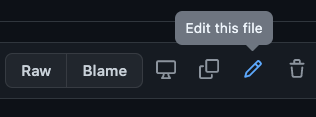
Alternatively, for narrative documentation files, you can navigate into the docs directory to find the source file to edit. For API reference documentation files, you can instead navigate into the src directory. For either file type, you can then click the pencil icon to edit the file in the browser.
Make edits. When done click Commit changes…. A modal dialog pops up.
In the modal dialog:
Add a commit message.
Optionally add an extended description.
Select Create a new branch for this commit and start a pull request.
Enter a descriptive name for the new branch.
Click Propose changes.
Make your pull request against the
mainbranch of the repository.Members who subscribe to the repository will receive a notification and review your request.
Request a review from other team members.